

As an Explorer preparing to work in the United States, you are already bringing valuable clinical knowledge and professional experience with you. However, your transition will also introduce you to new tools, systems, and technology that may work differently from what you are accustomed to using.
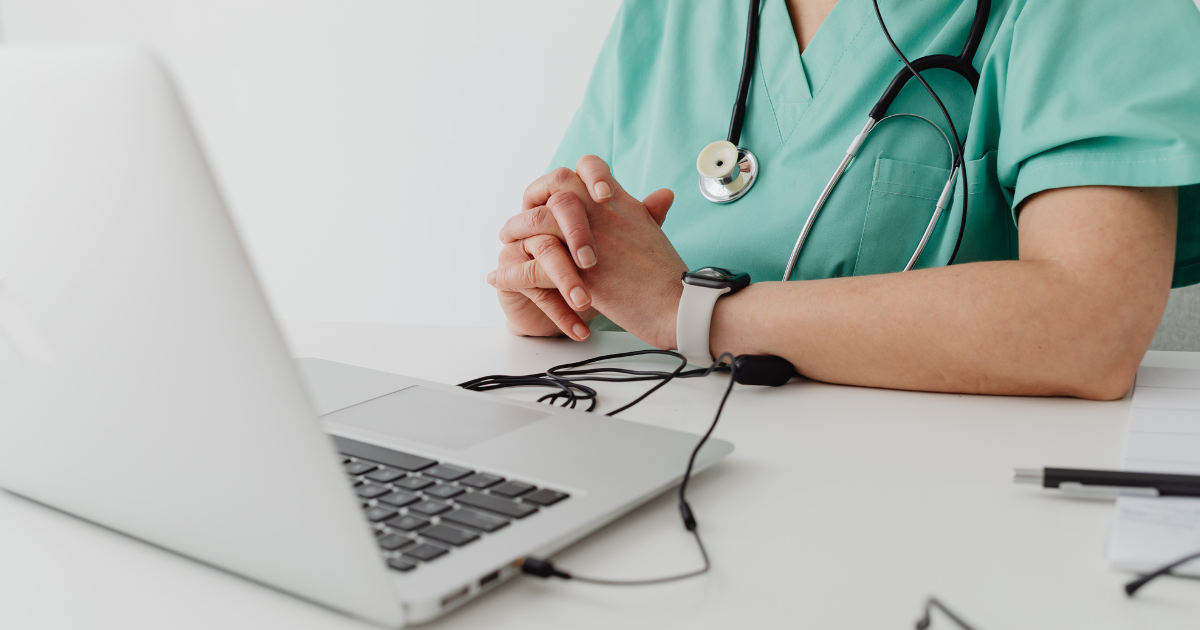
In U.S. healthcare settings, nurses and Medical Technologists use computers throughout their shifts for many everyday responsibilities. Becoming comfortable with basic laptop functions before you arrive can make it easier to focus on learning your new workplace, rather than learning basic computer navigation at the same time.
1. Get Comfortable Using a Laptop Without a Mouse
One of the most useful skills to practice is navigating a laptop using its built-in trackpad or touchpad.
While an external mouse may sometimes be available, you should be comfortable working without one. Practice moving the cursor, clicking, double-clicking, right-clicking, scrolling, selecting text, and dragging items using only the trackpad.
The more you practice, the more natural these movements will become.
2. Get Familiar with Workstations on Wheels
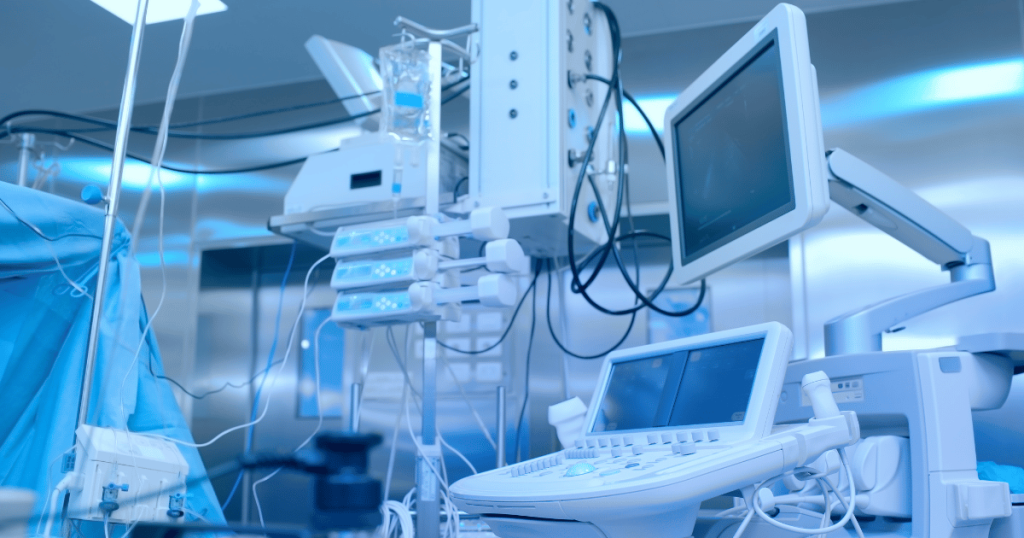
Once you begin working in a U.S. hospital, you may also encounter portable computer stations commonly called WOWs, or Workstations on Wheels.
These mobile workstations allow nurses to bring technology directly to the point of care. Depending on the facility and equipment, a WOW may be used to access the electronic charting system, review patient information, document care, scan medications, and complete other tasks without having to return to a stationary computer.
The specific equipment and processes will vary by healthcare facility, but being comfortable navigating a computer can make learning these tools much easier. As you adjust to your new workplace, you will also receive guidance on the systems and technology used by your facility.
3. Learn Common Keyboard Shortcuts
Keyboard shortcuts can make everyday computer tasks much faster.
Start practicing a few of the basics:
Ctrl + C: Copy
Ctrl + V: Paste
Ctrl + X: Cut
Ctrl + Z: Undo
Ctrl + F: Find something on a page or document
Alt + Tab: Move between open applications
Windows + L: Lock your computer
You do not need to memorize every shortcut. Start with the ones you are most likely to use and build from there.
4. Practice Typing Regularly
Speed is helpful, but accuracy is even more important.
Practice typing complete sentences, numbers, dates, and common healthcare terminology on a computer keyboard. Get comfortable using capitalization, punctuation, the number keys, and symbols.
Even 10 to 15 minutes of regular typing practice can help you become more comfortable working on a computer.
5. Understand Basic File Management
Knowing where your documents are saved can save a lot of time and frustration.
Practice creating folders, downloading files, renaming documents, attaching files to emails, and finding something you previously saved.
You should also become familiar with common file types such as PDFs, Word documents, and images.
6. Become Comfortable with Email and Video Meetings
Professional communication in the U.S. often happens digitally.
Practice writing and responding to emails, adding attachments, using calendar invitations, and joining virtual meetings. Familiarity with platforms such as Microsoft Teams or Zoom can also make the transition easier.
Pay attention to professional email habits, including clear subject lines, appropriate greetings, and reviewing your message before sending it.
7. Practice Before You Need the Skill
You do not need access to a hospital’s systems to strengthen your technology skills.
Use your personal laptop to practice navigating without a mouse. Write documents, download and organize files, send attachments, switch between programs, and explore your computer’s settings.
Try completing everyday tasks without asking someone else to navigate the computer for you. If something takes longer at first, keep practicing.
Building Digital Confidence
Starting a healthcare career in the United States involves learning many new systems, and it is normal for some technology to feel unfamiliar at first.
Building basic computer skills before you arrive gives you one less adjustment to make later. With practice, tasks that initially feel unfamiliar can quickly become part of your everyday routine.
At MedPro International, we want Explorers to arrive prepared for every part of their transition. Strengthening your digital skills now can help you feel more confident, independent, and ready to learn the systems you will use throughout your U.S. healthcare career.